
[New] Navigation
Introduction
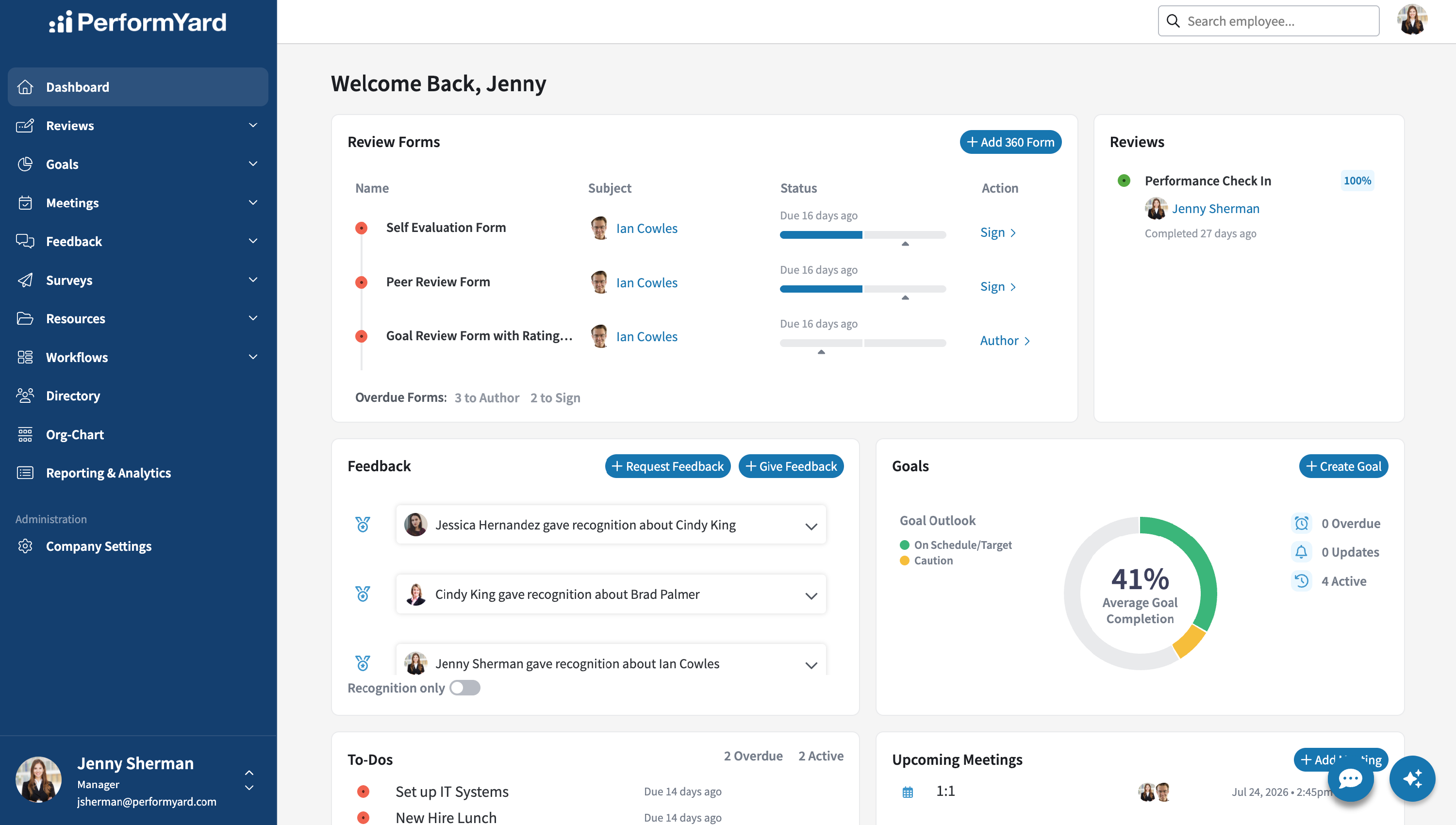
The navigation menu, located on the left side of your screen, is your main hub for accessing all of PerformYard's features. From here, you can move between each feature you have access to , each represented by its own icon and label for quick recognition. Simply click any menu item to jump directly to that section; items with a small arrow (such as Reviews, Goals, Meetings, Feedback, and Resources) will expand to reveal additional sub-pages when clicked, giving you quicker access to related tools without leaving the main menu. Along with standard pages, administrators also have access to Company Settings which allows them to manage users, configure features, and set up integrations.
Video Overview
Dashboard
See an overview of open tasks for you in PerformYard including review forms to sign and author, goal progress, upcoming meetings, or To-Dos to complete.
Reviews
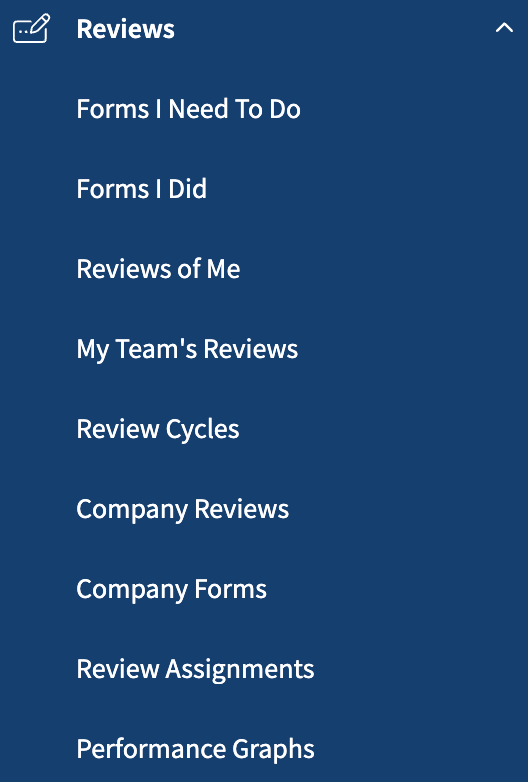
- Forms I Need To Do - Displays all reviews awaiting your action, whether you're assigned to author or sign them.
- Forms I Did - Displays all reviews you've completed, either as an author or a signer.
- Reviews of Me - Displays all reviews written about you, including those still in progress.
- My Team's Reviews (Manager) - If you manage others, displays every review involving your direct reports — past, present, or scheduled — so you can track your team's review activity in one place.
- Review Cycles (Admin) - Displays all created review cycles.
- Company Reviews (Admin) - Displays all reviews that have been assigned within their organization.
- Company Forms (Admin) - Displays all review forms that have been assigned within their organization.
- Review Assignments (Admin) - Displays a high level overview of each employee within your organization and their status across assigned forms.
- Performance Graphs (Admin) - Provides insight into individual or group performance based on answers in performance reviews.
Goals
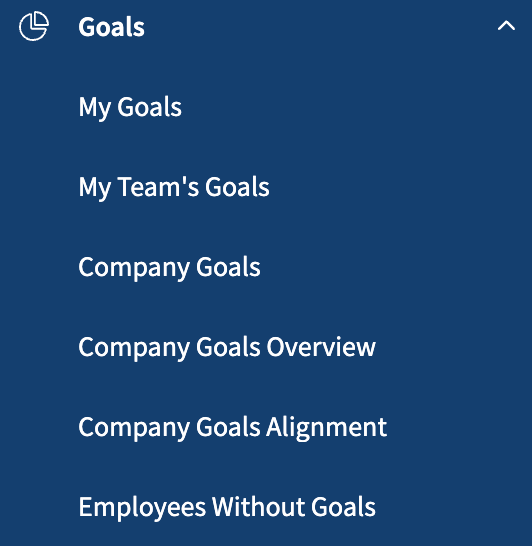
- My Goals - Displays a list of your personal goals.
- My Team's Goals (Manager) - If you manage others, displays a list of all goals assigned to your direct reports.
- Company Goals - Displays a list of every goal across your organization.
- Company Goals Overview - Provides graphical visualizations of goal performance across the entire organization.
- Company Goals Alignment - Offers a dynamic view of how goals connect to your organization's Top Goals. See our Goal Alignment support article for more details.
- Employees Without Goals (Admin) - Displays a list of employees within your organization that don't currently have an active goal assigned to them.
Meetings
Note: Only visible for PerformYard Meetings license holders.
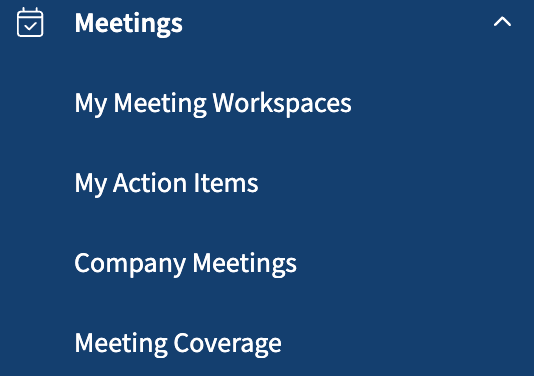
- My Meeting Workspaces - Displays a list of the Meeting Workspaces you've created or been added to as a participant.
- My Action Items - Displays a list of action items from meetings, whether you created them or were assigned to them.
- Company Meetings (Admin) - Displays a list of all created meetings within your organization.
- Meeting Coverage (Admin) - Displays a list of employees within your organization along with their meeting activity.
Feedback
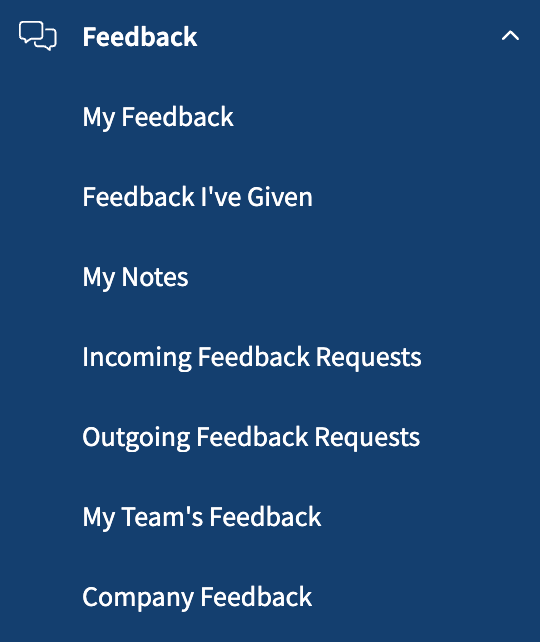
- My Feedback - Displays feedback you've received from other employees, including recognition or direct feedback that may or may not be visible to your manager.
- Feedback I've Given - Displays all feedback you've given about other employees, whether shared as recognition, sent directly to them, or shared with their manager.
- My Notes - Displays your private notes about others, as well as notes about you that may or may not have been shared with your manager.
- Incoming Feedback Requests - Displays feedback requests you've received from other employees.
- Outgoing Feedback Requests - Displays feedback requests you've sent to other employees.
- My Team's Feedback (Manager) - If you manage others, displays all feedback shared with you about your direct reports, including recognition and other feedback where you're included as their manager.
- Company Feedback (Admin) - Displays a list of all given feedback within your organization.
Surveys
Note: Only visible for PerformYard Surveys license holders.
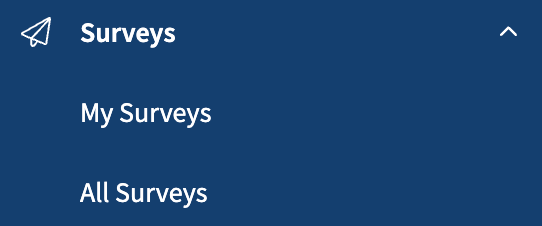
- My Surveys - Displays a list of all surveys you've created.
- All Surveys (Admin) - Displays a list of all surveys created within your organization.
Resources

- My Documents - Store and access your performance-related documents. Completed signature requests are automatically saved to a Signed Documents folder, which only appears once you have signed documents.
- Company Documents - Displays a list of all documents you or other admins have uploaded for employees across your organization to access.
- Company Links - Displays a list of all links you or other admins have uploaded for employees across your organization to access.
Workflows
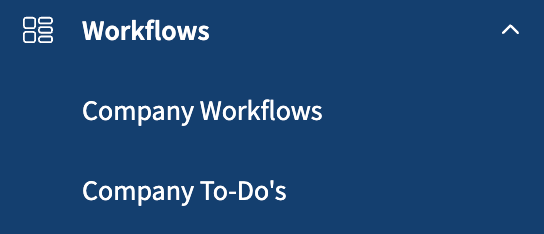
- Company Workflows - See all active workflows and start new ones
- Company To-Do's - Track pending and overdue tasks from all workflows
Directory & Org-Chart

- Directory - Search for any employee in your organization. You can also customize which employee information is visible to others when they browse the Directory.
- Org-Chart - See a visual map of your company's structure. Choose which employee details appear on the org chart.
Reporting & Analytics

Access custom reports about your employees and company data.
Engagement
Note: Only visible for PerformYard Engagement license holders.
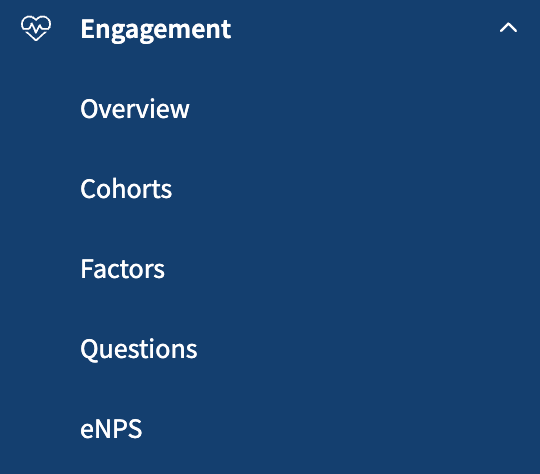
- Overview - High-level summary of survey results
- Cohorts - Compare satisfaction scores across different employee groups
- Factors - Analyze specific satisfaction factors and eNPS scores over time
- Questions - See response rates and detailed breakdowns for each survey question. Download written responses here.
- eNPS - Track employee Net Promoter Scores with trend analysis and breakdowns by employee group
Company Settings
This is where you'll manage users, configure features, and set up integrations.
The Administration menu is organized into several categories:
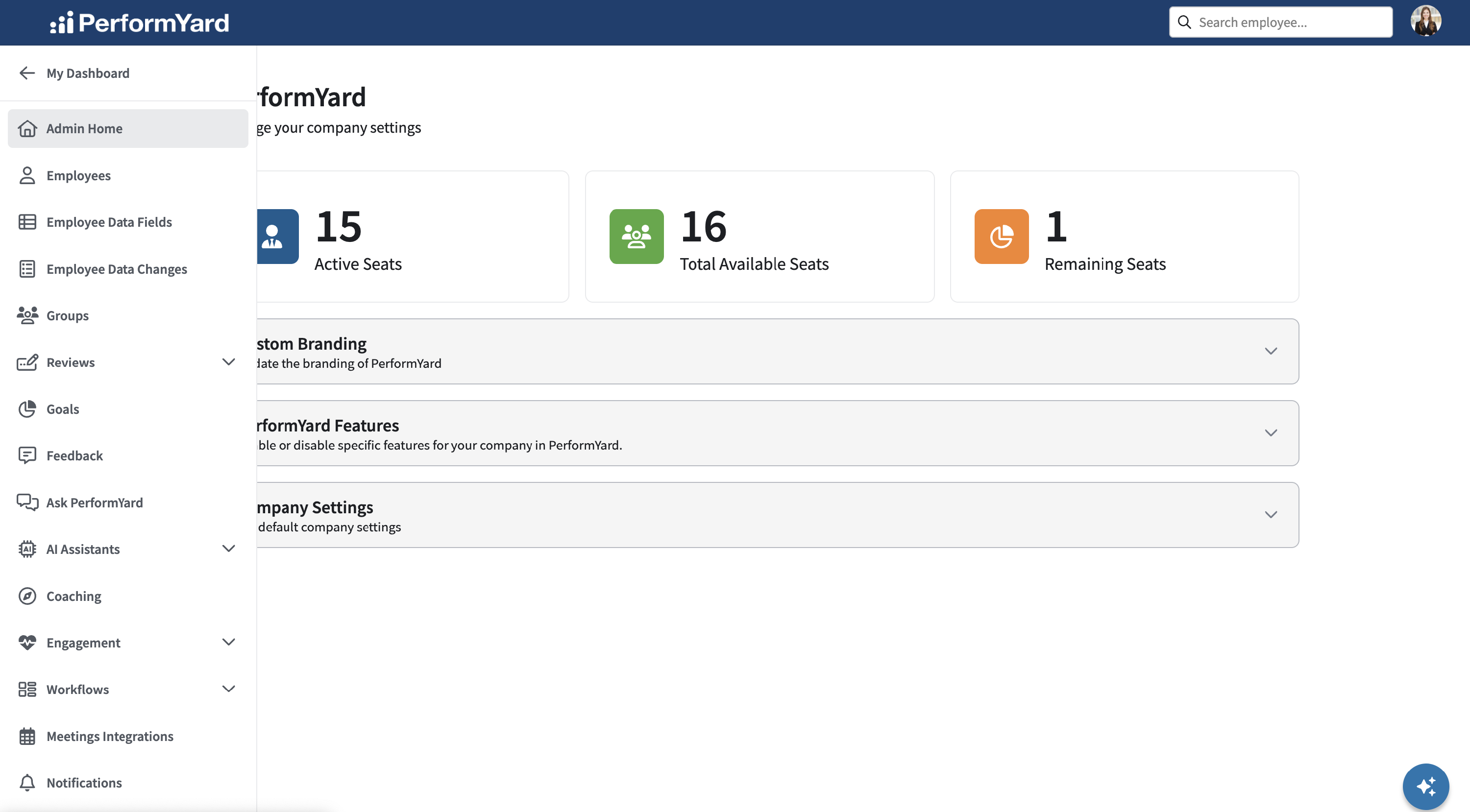
The left-hand administration menu contains the following links to manage your organization:
Core Setup
- Admin Home – View your account information and turn features on/off
- Employees – Manage your employee list. Add employees individually or upload in bulk, send invitations, download data, and adjust permissions.
- Employee Data Fields – Create custom fields for employee profiles and control who can see and edit them
- Employee Data Changes – Track the history of changes to employee information
- Groups – Organize employees into groups for easier management
Feature Configuration
- Reviews – Design review forms and templates
- Goals – Set up goal categories, outlooks, and permissions
- Feedback – Configure feedback permissions and create hashtags for organizing feedback
- Ask PerformYard - Control Ask PerformYard settings
- AI Assistants – Control AI feature settings
- Engagement – Set up pulse survey settings
- Workflows – Build templates for recurring processes
- Meetings Integrations – Allow your employees to connect their calendar and video conferencing provider (Meetings license required)
Integrations & Data
- HRIS Integration – Connect your HR information system
- SFTP Setup – Configure secure file transfer
- SCIM Setup – Enable automatic user provisioning and view activity logs
- Bulk User Logs – Track changes made through bulk uploads or integrations
System Settings
- Notifications – Set default notification preferences for new employees
- Billing – Manage your subscription and payments (Billing Admins only)
- Signature Requests – Create documents that require employee signatures
- Authentication – Configure login security settings and single sign-on
Please note that not all features on the Administration menu may be available to your organization.