.png)
Managing Reviews
Introduction
PerformYard offers administrators access to manage reviews and review processes via multiple pages within the Reviews dropdown on the navigation. Here you will be able to run reviews via cycles or manage individual reviews, and also create/manage performance graphs.
Reviews Dropdown
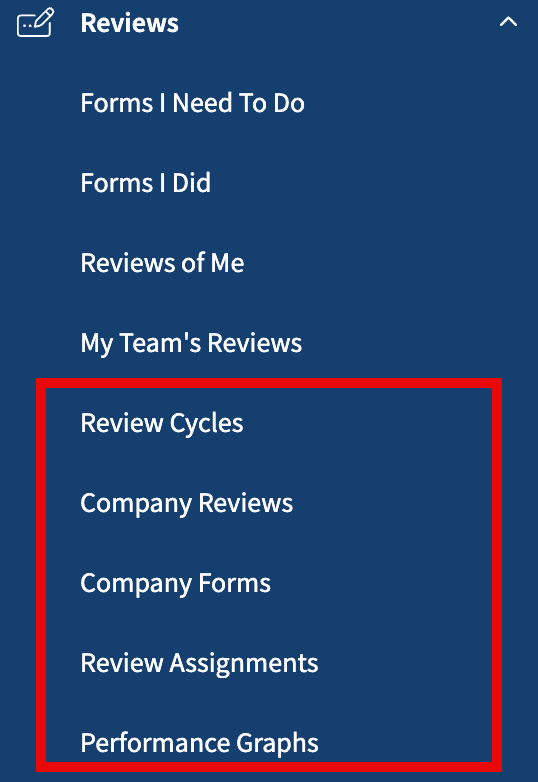
The Reviews dropdown within the navigation includes five options, specific to administrators:
- Review Cycles, which you can read more about here
- Company Reviews, which lists every review assigned in the organization as discussed below
- Company Forms, which lists every form assigned in the organization as discussed below and here
- Review Assignments, which details current review form assignments, also discussed below
- Performance Graphs, which are graphical depictions of review results, discussed here
Company Reviews
Company Reviews provides you a listing of every review that has been assigned in PerformYard. You can page through all reviews, and click the name of a review to see the details. You can also assign a single review using the New Review link on the top.
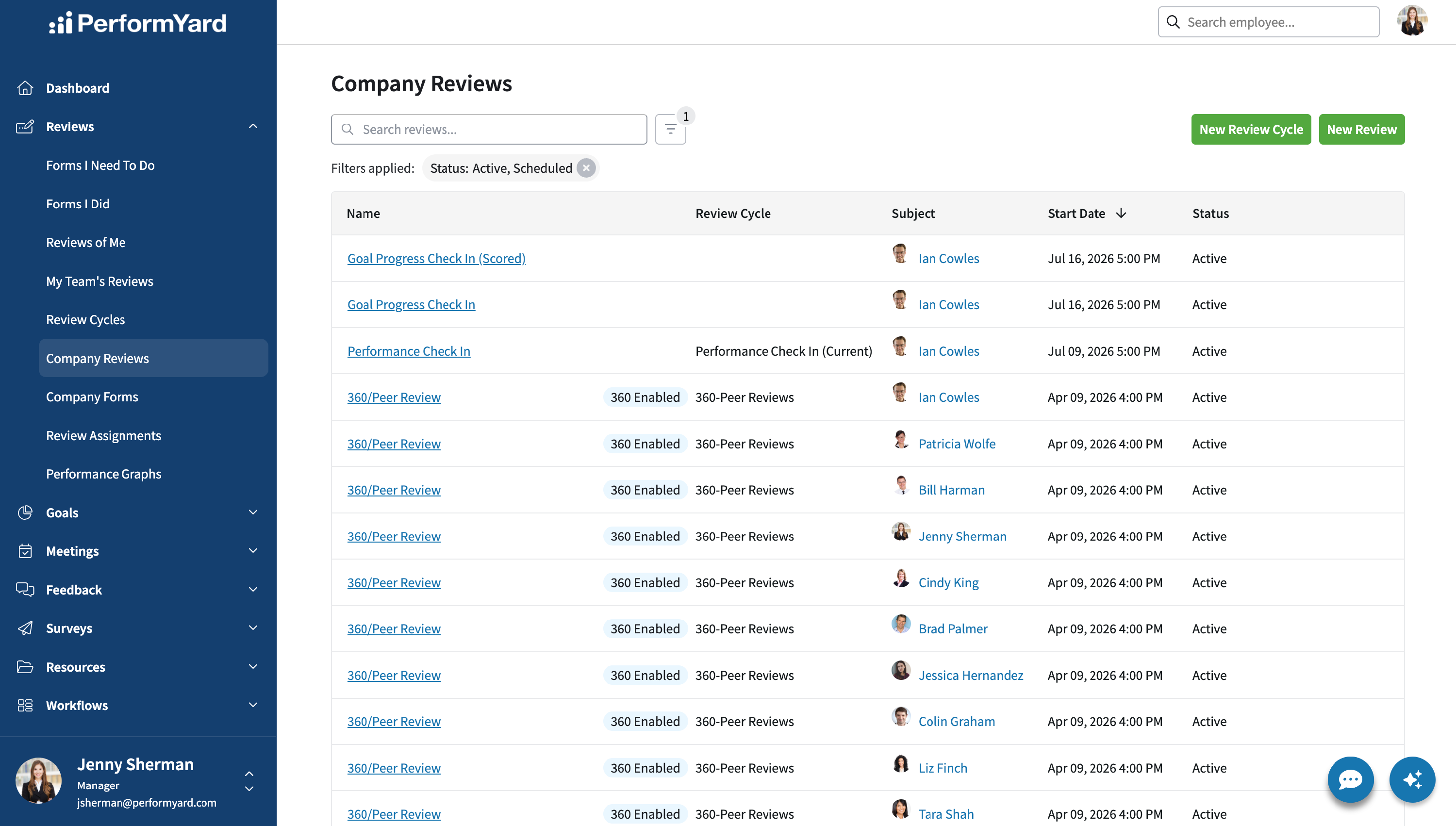
This list can be sorted by Start Date, and there are filters available for Subject and Status (Active, Completed and Scheduled).
Company Forms
Company Forms provides you a listing of every form that has been assigned in PerformYard. You can page through all forms, and click the Open Form button to see that form.

Review Assignments
Review Assignments provides a summary of outstanding review form assignments. This lists each employee and the numbers of forms on which that employee is currently assigned to act. This includes both where they are the current author or signer (meaning they can log in and complete that activity immediately) and when they are on-deck for either (meaning that someone else needs to complete authoring or signing before they can do so). Additionally, PerformYard lists the number of forms that are overdue in each category.
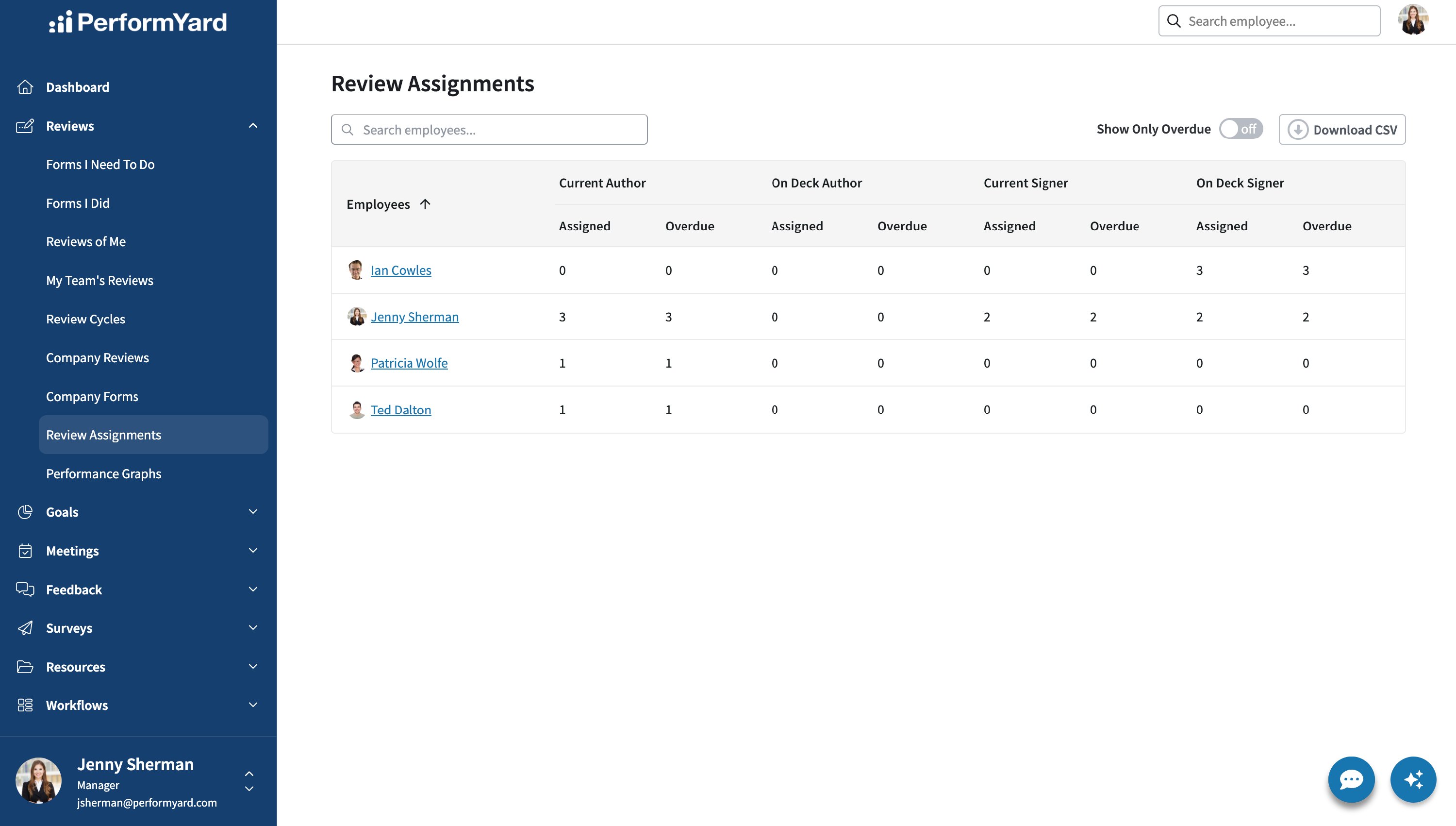
Note that if one employee is "Unassigned", that means you have forms currently assigned with placeholders for actors.
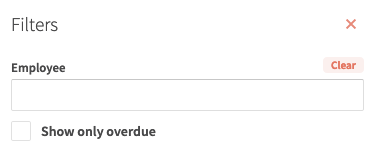
This page can be sorted by Employee or by Assigned/Overdue for any of the four categories. Additionally this page can be filtered to only show a specific employee or to only display users that have at least one overdue form.
Performance graphs shows a set of graphs of past performance from various reviews.