.png)
Introduction to Reviews
Introduction to Reviews
Reviews in PerformYard are customizable to match the performance process at your organization including performance check-ins, manager reviews, self evaluations, peer reviews, or any combination of these. As an admin, you control what reviews look like, who participates, and when they happen. This article introduces the main building blocks and how they fit together.
Forms, Templates, and Cycles
Everything in Reviews is built from three components:
- Forms are the basic building block of a review. A form contains the questions that will be answered about a review subject.
- Templates are the set of forms and default parameters assigned for a review. Which forms are included, who authors and signs each one, how many days each step has, and whether the completed form is visible to the subject.
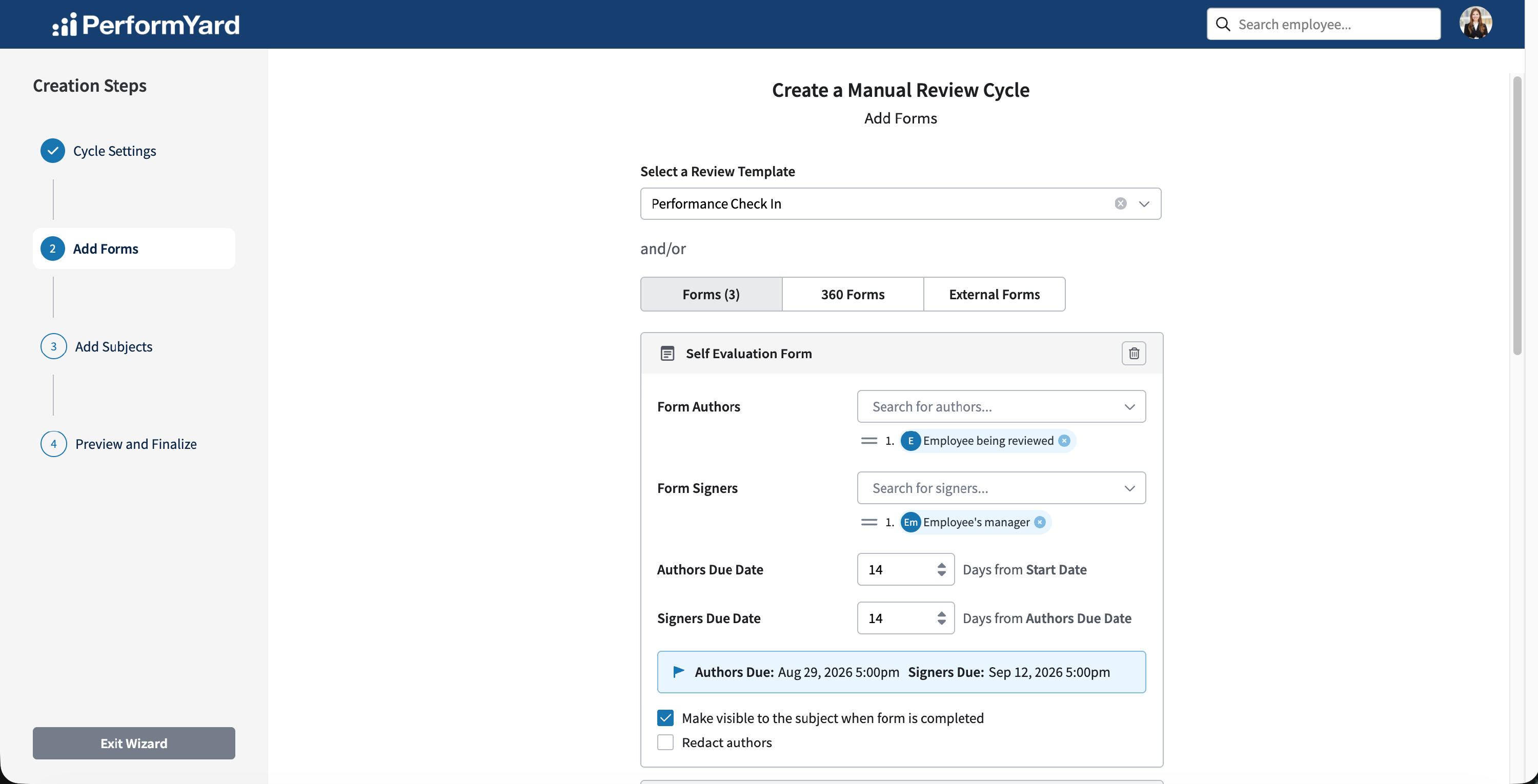
- Cycles are the assignment of the same template to a set of people, typically a group where everyone is reviewed with the same forms and timeline. Cycles also provide reporting and visualizations across all subjects.
Building Forms
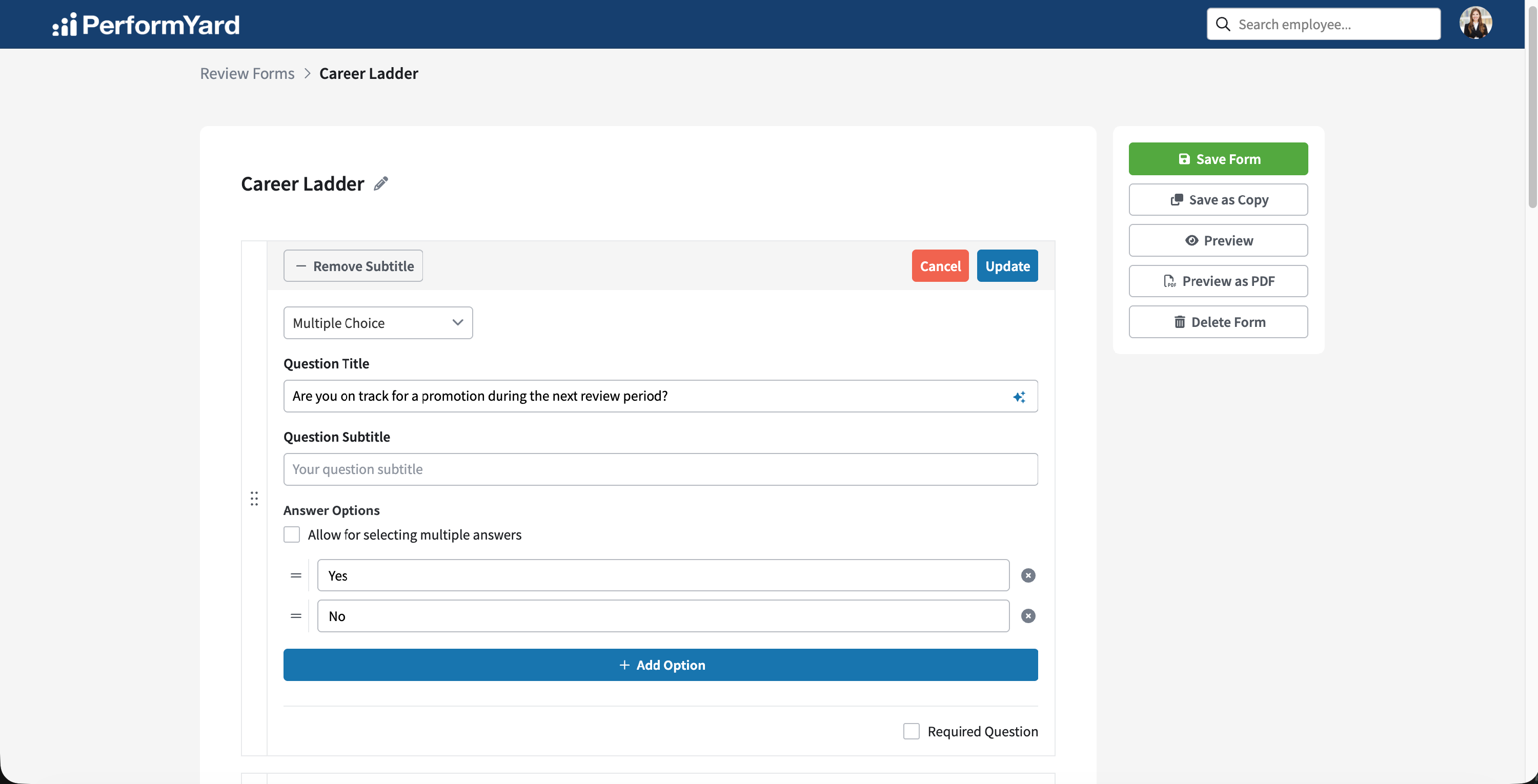
Forms are assembled from a variety of question types, so a single form can mix open-ended reflection with structured, measurable responses that can interpret numeric scores into calculated outputs for reporting and rating.
Templates
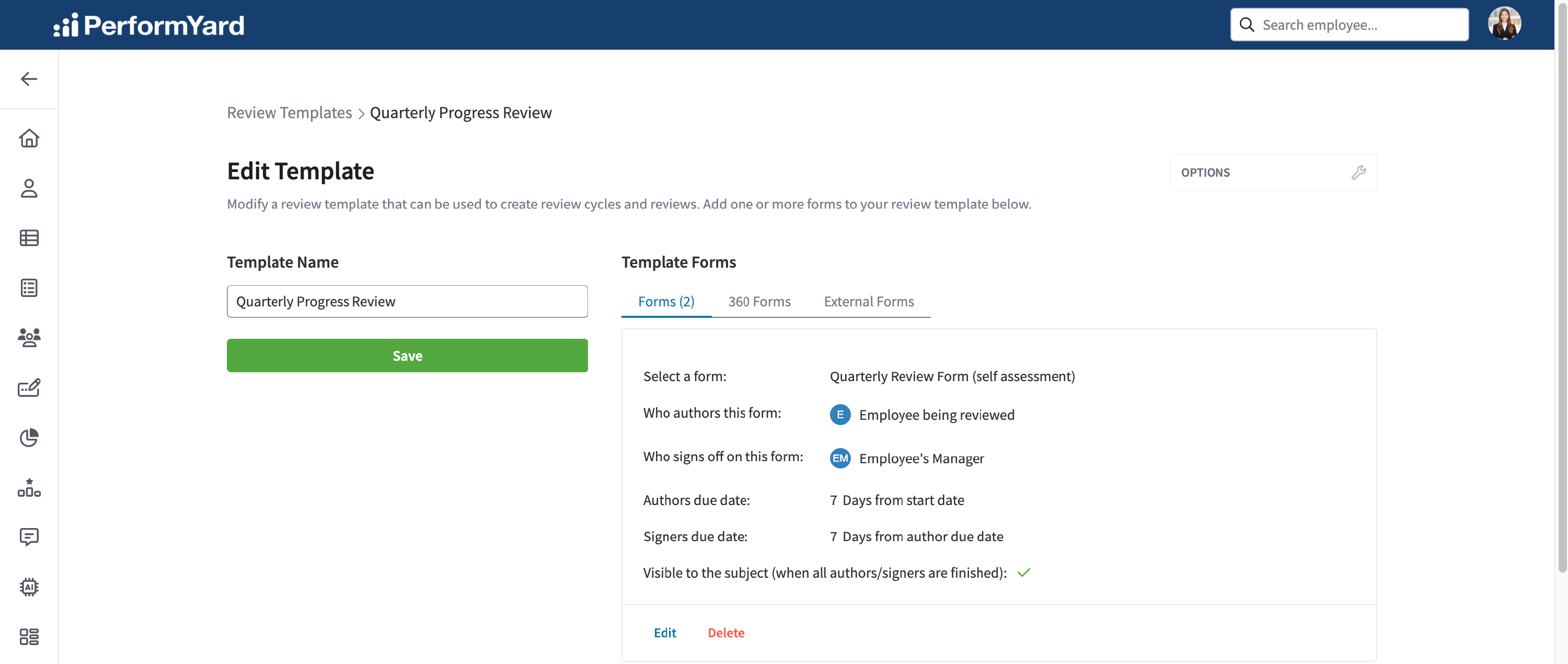
For each form in a template, you set who authors it and who signs off so the same template works for every subject. You also set how many days authors and signers have, whether the finished form is visible to the subject, and whether the author's name is redacted. A template can combine standard forms, 360 forms for peer feedback, and external forms for input from someone without a PerformYard account.
Creating Review Cycles
Creating a review cycle allows you to manage a defined set of reviews with generally shared characteristics. You'll choose a cycle type, name the cycle, set a start date, and choose a template. PerformYard calculates each form's due dates from the template's settings, and you can adjust forms before launching. Once a cycle is running, its detail page shows completion progress for the whole cycle and each subject, with options to add subjects, export data, copy the cycle, or close it out.