.png)
Employee Data Changes
Introduction
PerformYard includes a standard list, within Company Settings, for administrators that shows all employee data field changes that have been made in PerformYard.
Employee Data Changes
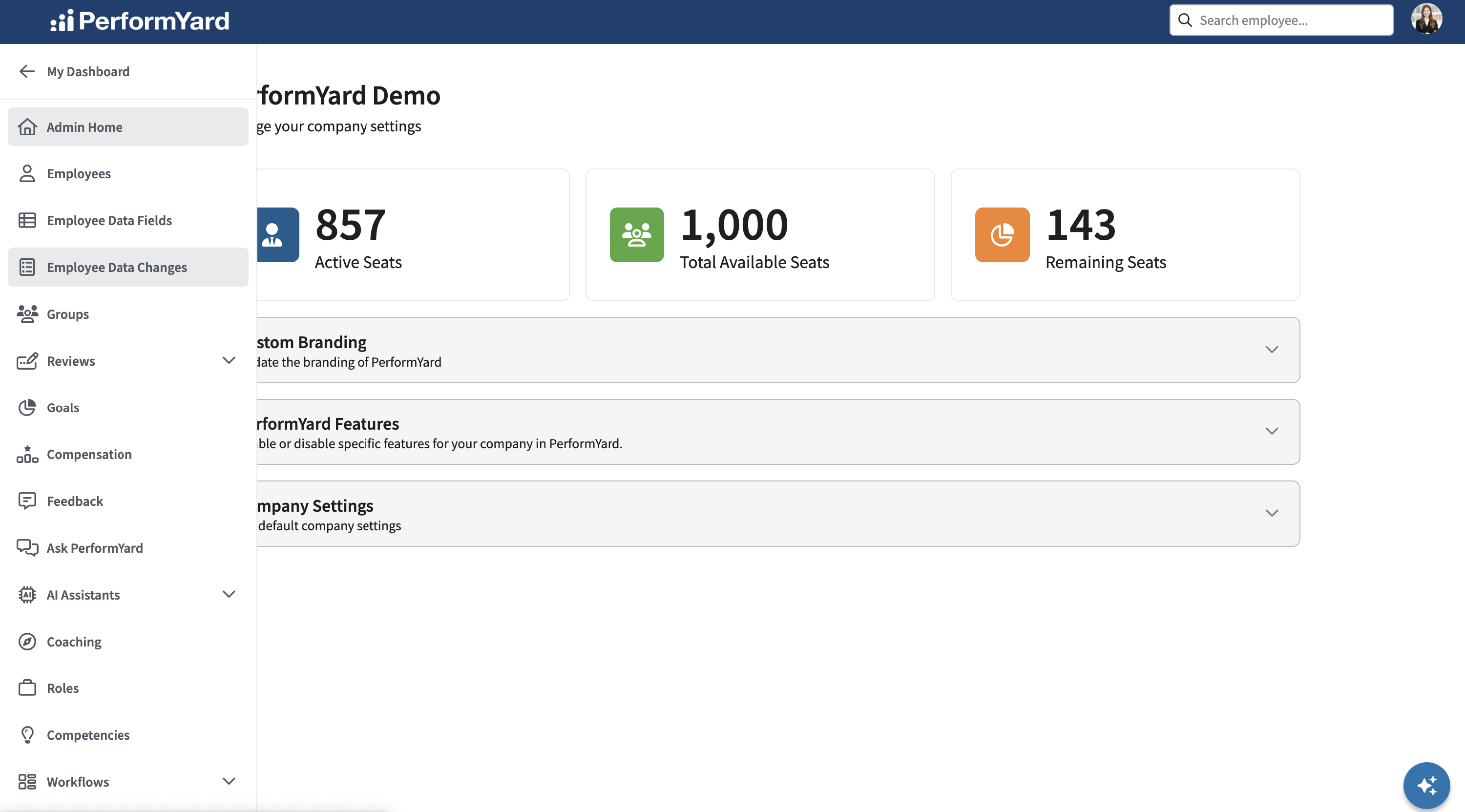
To view the list of data field changes for members of your organization, click the link to the Employee Data Changes option in Company Settings.
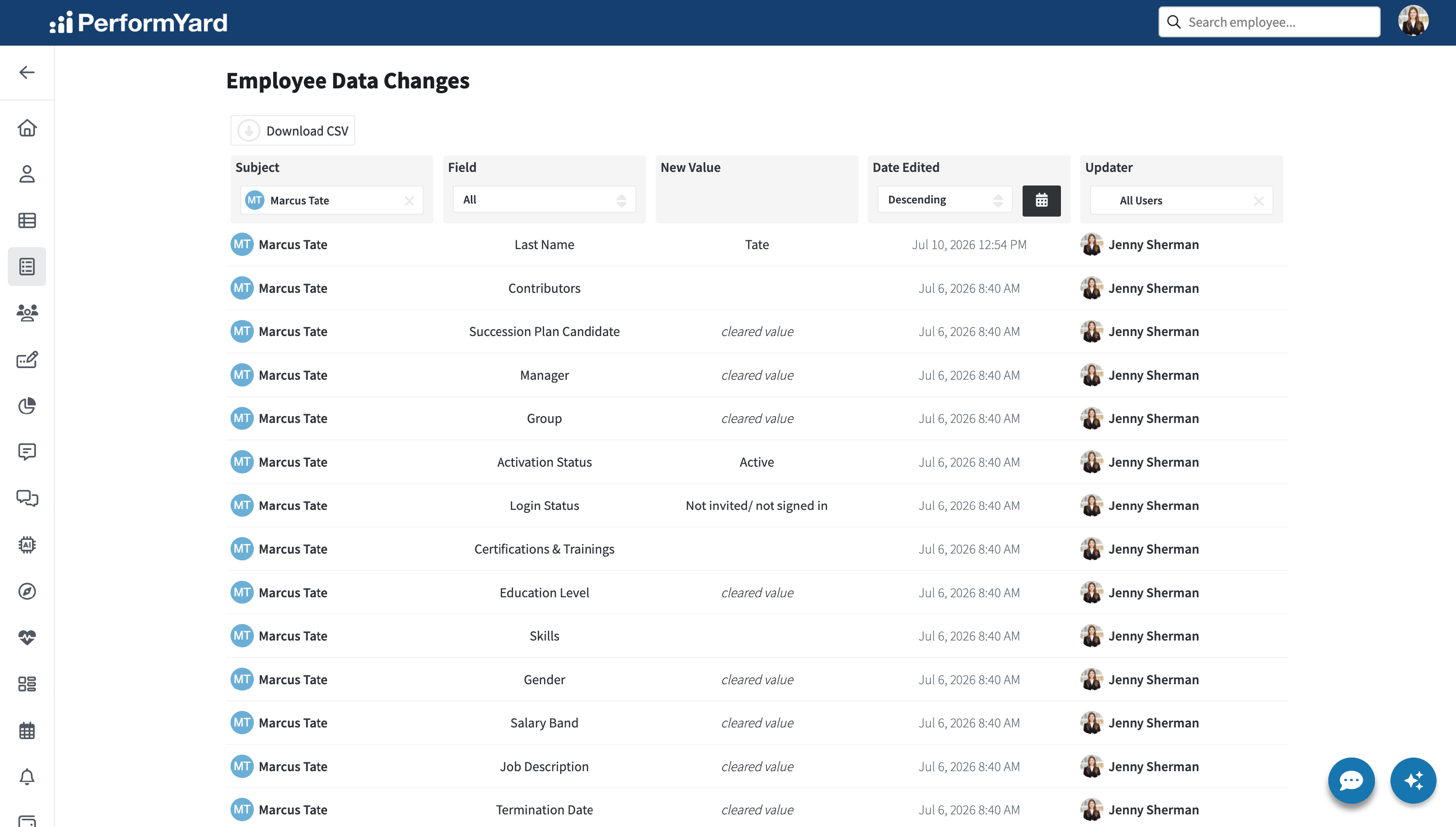
This list includes the following five columns. Some of these columns are filterable. These columns include:
- Subject: The employee whose data was changed, which can be filtered by employee name.
- Field: The data field that was changed, which can be filtered by data field.
- New Value: The new value for that data field. In some cases, the new value is blank, designated by "cleared value."
- Date Edited: The date that the data field was changed. This is sortable by Ascending or Descending, but also filterable for a date range by clicking on the calendar.
- Updater: The user that made the data field change, which can be filtered by employee name.