.png)
Using Ask PerformYard's Admin Features
Introduction
Ask PerformYard is your AI assistant for performance management. Available for PerformYard Premium (formerly Enterprise) accounts, Ask PerformYard helps answer questions and guide users through tasks by leveraging your organization’s internal resources through Ask HR, while also supporting goal setting with AI-assisted recommendations. The Ask HR feature enables administrators to create a custom knowledge base from company documents, allowing employees to quickly access accurate answers to common questions about policies, procedures, and benefits. The Goals feature empowers employees, managers, and administrators to generate clear, actionable, and relevant goals with the help of AI, making the goal-setting process faster and more effective. The Forms feature enables admins to quickly generate relevant review forms and receive question suggestions with the help of AI. Access Ask PerformYard anytime via the blue AI button in the bottom right corner of most pages.
Disclaimer: Ask PerformYard uses artificial intelligence to generate answers to employee questions. While it aims to provide concise and accurate responses, they may not always capture all nuances or context from the original company resources. Please consult company resources alongside any generated responses to ensure proper interpretation and decision-making. AI-generated outputs are intended to support, not replace, human judgment and should not be the sole basis for any employment decision, such as hiring, promotion, compensation, or termination.
Forms
AI-Assisted Form features within Ask PerformYard enable admins to quickly generate relevant review forms and receive question suggestions with the help of AI. When enabled, Ask PerformYard gives admins two ways to build smarter forms faster. From anywhere in the platform, admins can ask Ask PerformYard to generate a new review form, it guides them through a few quick questions, such as review type, role, and time period, and uses that context alongside existing organizational data to suggest a form of up to 15 tailored questions. When working inside the form builder, Ask PerformYard automatically shifts into assist mode, offering up to 3 relevant question suggestions for the form already in progress. Suggested forms and questions can be reviewed, refined, and created directly from the chat window, helping reduce the time spent on form building while ensuring teams start with high-quality, role-specific review forms.
Form Suggestions
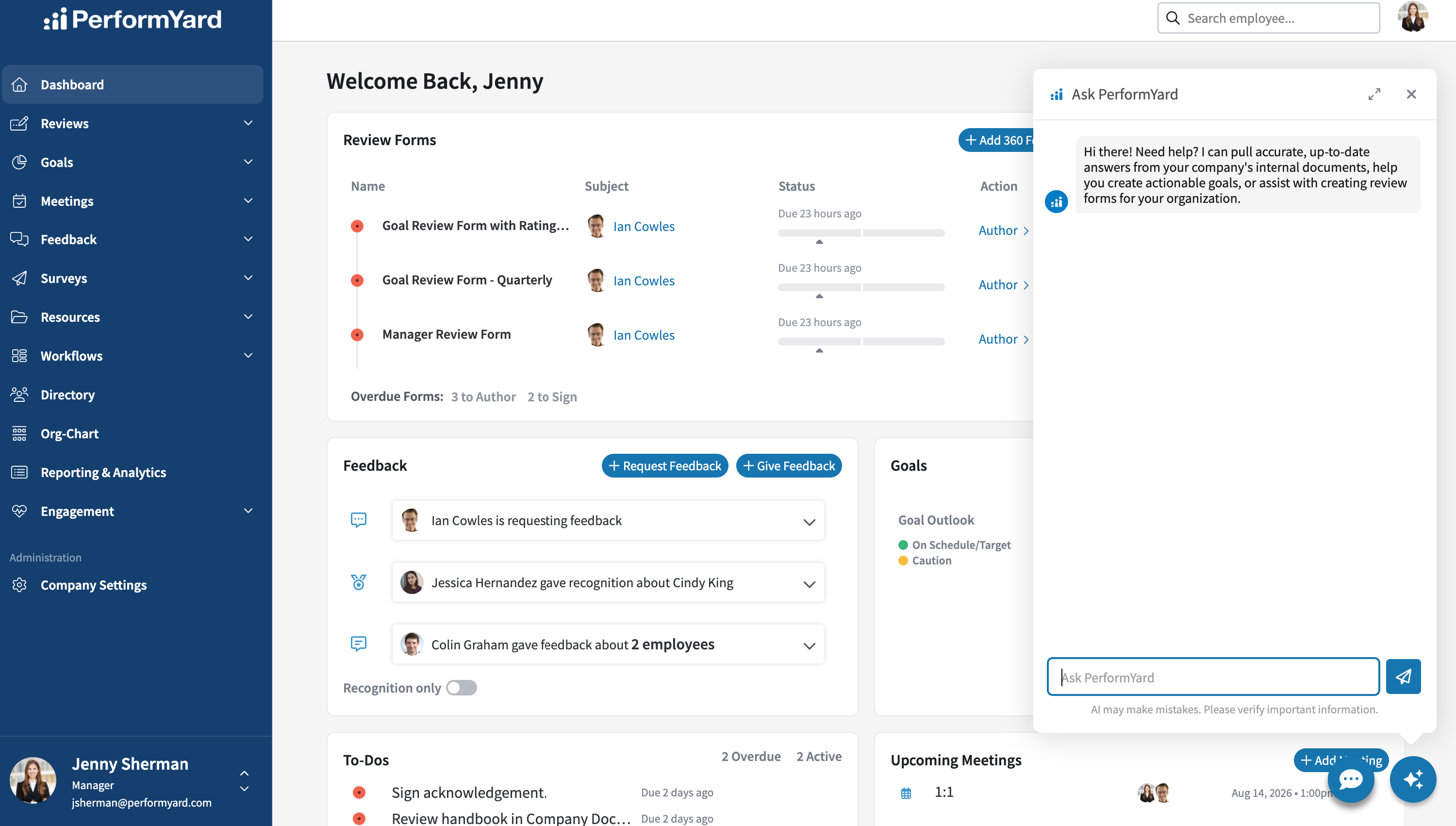
To access Ask PerformYard, click the blue AI button in the bottom right corner of most pages. This will open the chat interface, where you can ask questions, get answers from your organization's knowledge base, create AI-assisted goals, and create AI-assisted forms.
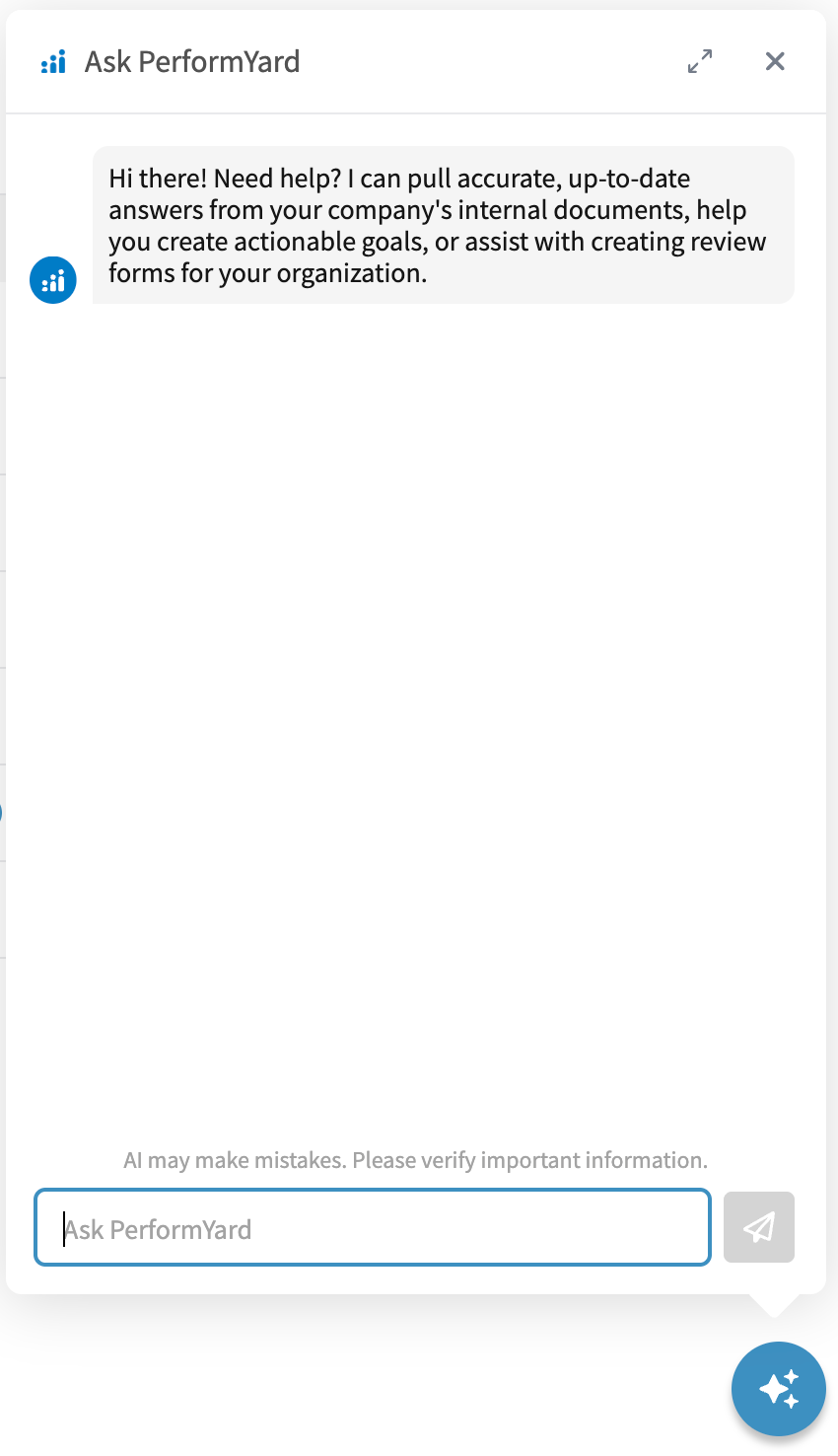
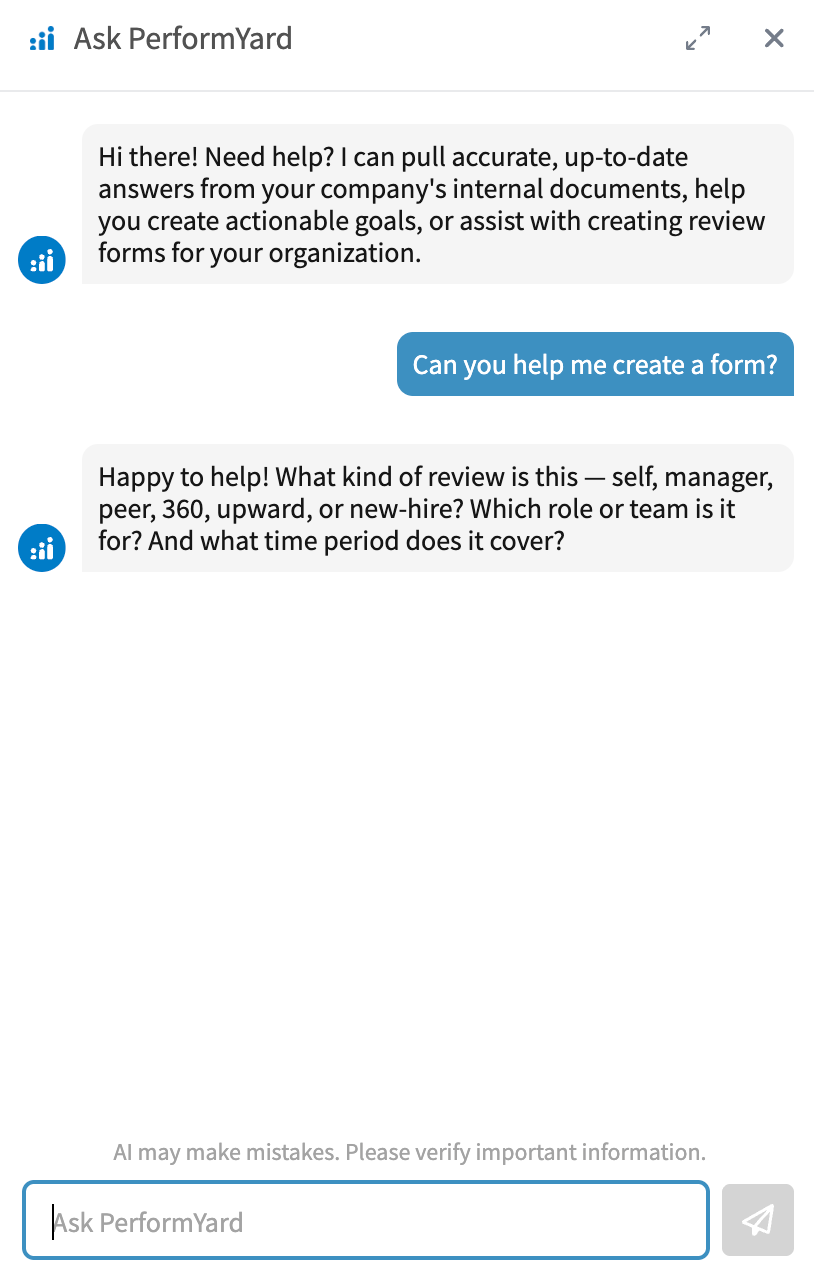
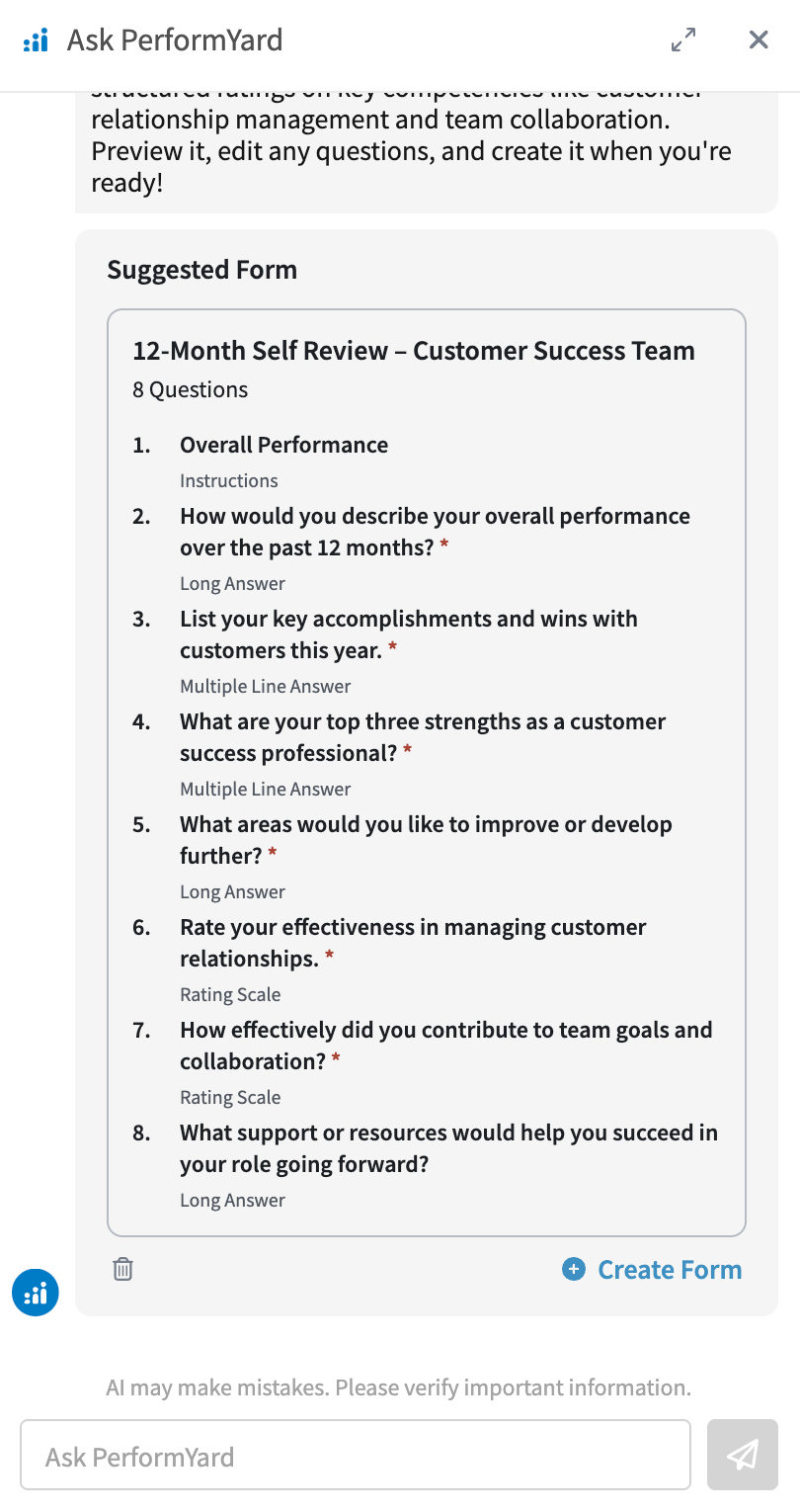
Once the chat interface is open, you can ask Ask PerformYard to help you create forms by typing a request such as "Can you help me create a form?" or "Create a performance review form for a sales manager." To generate the best suggestions, Ask PerformYard uses a few key pieces of context: the form type (self, manager, peer, etc), who the form is for, and the desired timeframe. If you include all of this in your initial message, Ask PerformYard will get straight to work and suggest a form with up to 15 questions. If some or all of that context is missing, Ask PerformYard will ask a few short questions to gather what it needs before generating your suggestions.
Once Ask PerformYard has the context it needs, it draws on relevant organizational data, like your existing forms, to generate a suggestion of up to 15 tailored questions. Each suggestion includes a form name and fully detailed questions, complete with a title, subtext, and answer options where applicable. When you're ready, you can create the form directly from the chat window with a single click.
Question Suggestions in the Form Builder
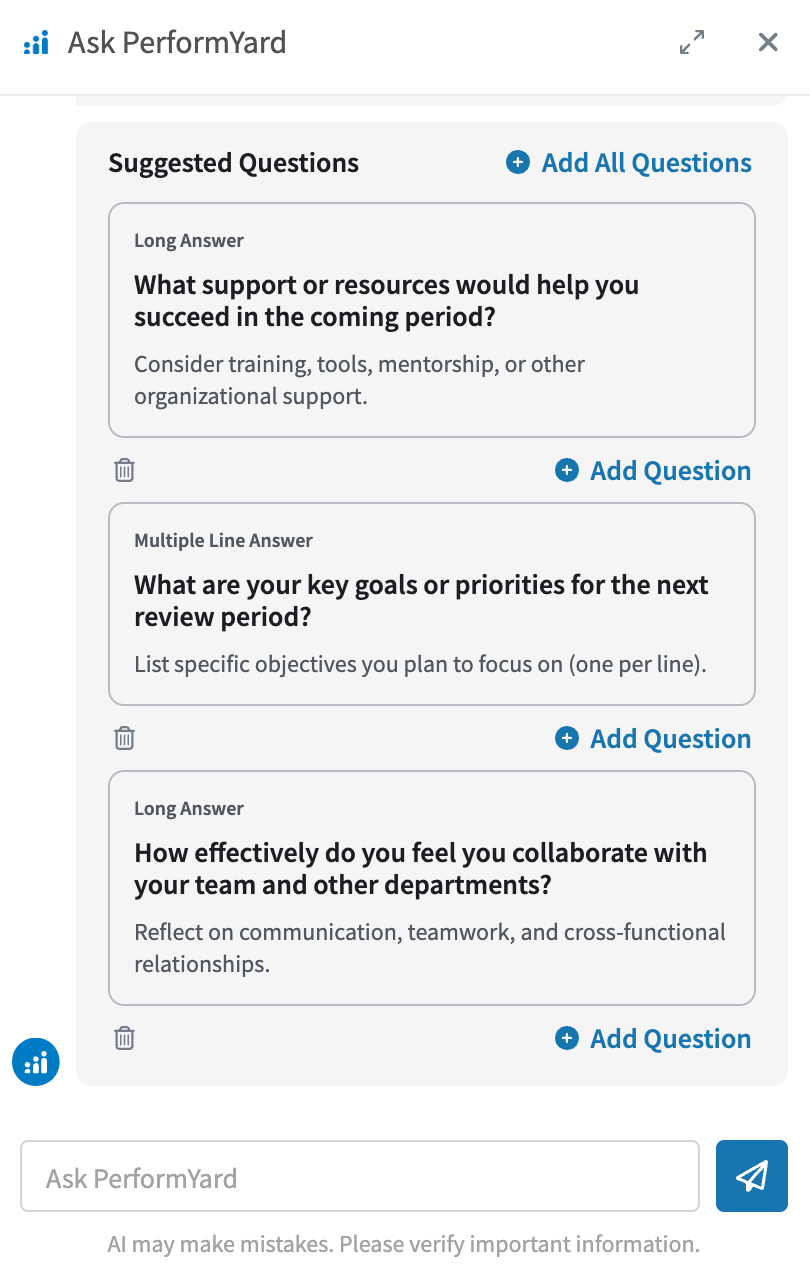
When an admin opens Ask PerformYard from within the form builder, it automatically shifts into assist mode and offers relevant question suggestions for the form in progress. It surfaces up to 3 questions at a time, each of which can be added directly to the form or dismissed. To access Ask PerformYard, click the blue AI button in the bottom right corner of most pages.
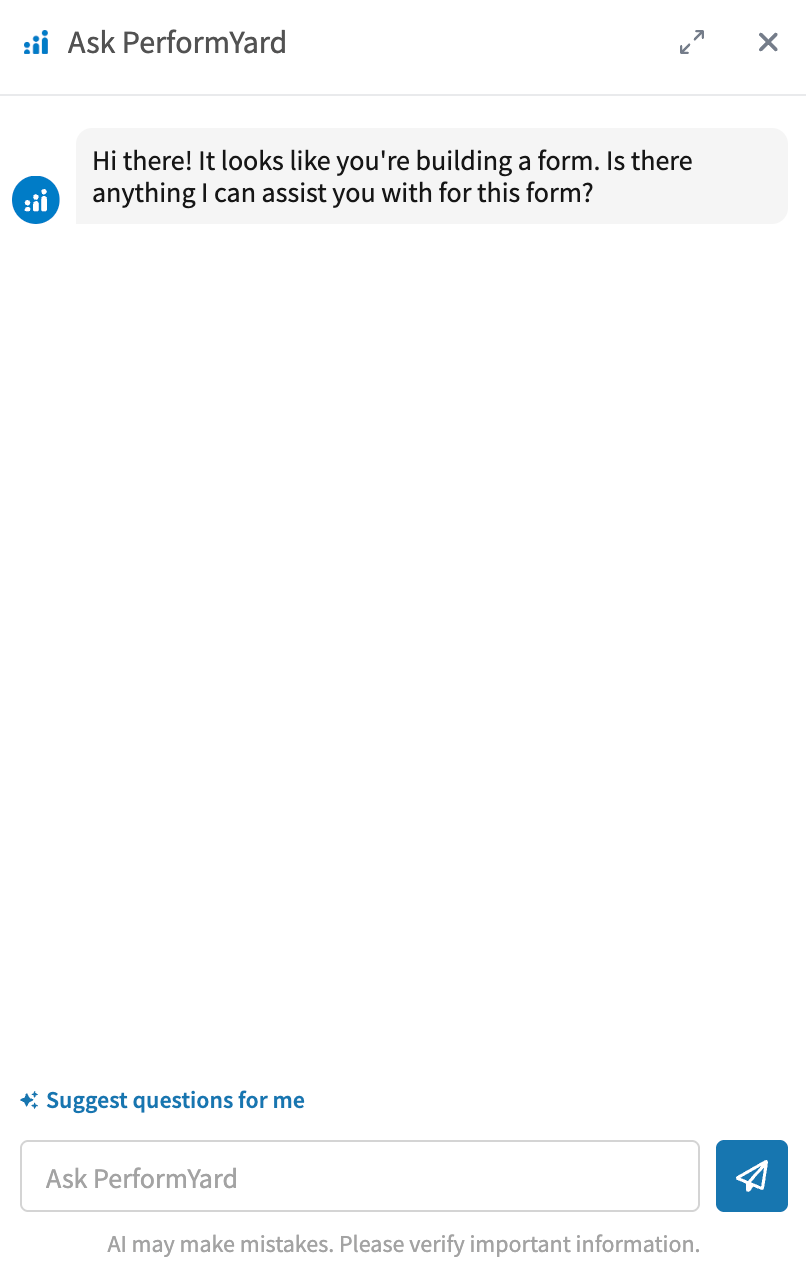
Once the chat interface is open and in the form builder, you can ask Ask PerformYard to help you add questions to your current form by typing a request such as "Suggest a question about collaboration" or "Suggest 3 questions focused on client-facing skills." If your form has 3 or more questions added to it already, Ask PerformYard will take all available created questions and combine that information with relevant data from your organization, such as existing forms, to suggest up to 3 tailored questions with question type, title, subtitle, and answer options (if applicable). Each suggested question can easily be added to the form by clicking "Add Question". Just like with full form generation, you can continue refining through conversation.