.png)
Introduction to Reviews
Introduction to Reviews
Reviews in PerformYard can take many forms depending on how your organization has set things up. As a participant, you'll typically do one of two things: fill out a form by answering questions about someone (sometimes yourself), or sign off on a form someone else has completed.
Filling Out and Signing Review Forms
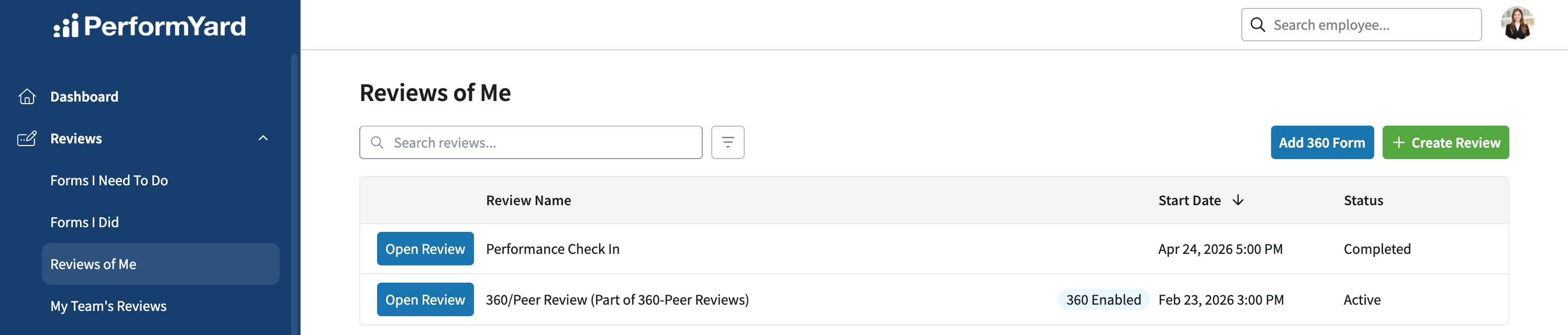
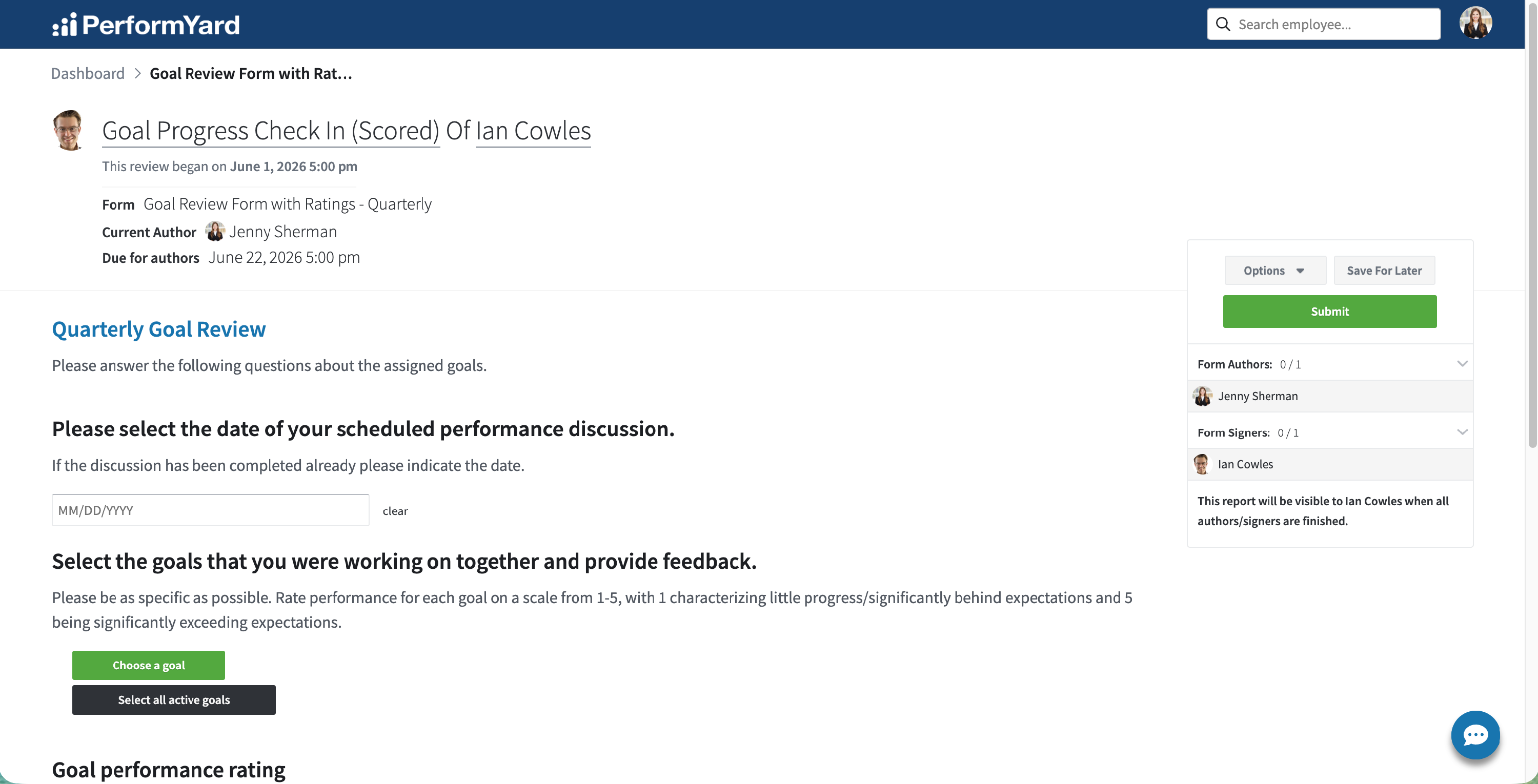
Forms assigned to you appear under Forms I Need To Do in the Reviews section of the side navigation, along with each form's subject, due dates, and status. To fill out a form, open it and answer the questions. You can save your answers and come back later, or submit when you're done; PerformYard will notify you if you attempt to submit the form with required questions that still need an answer.
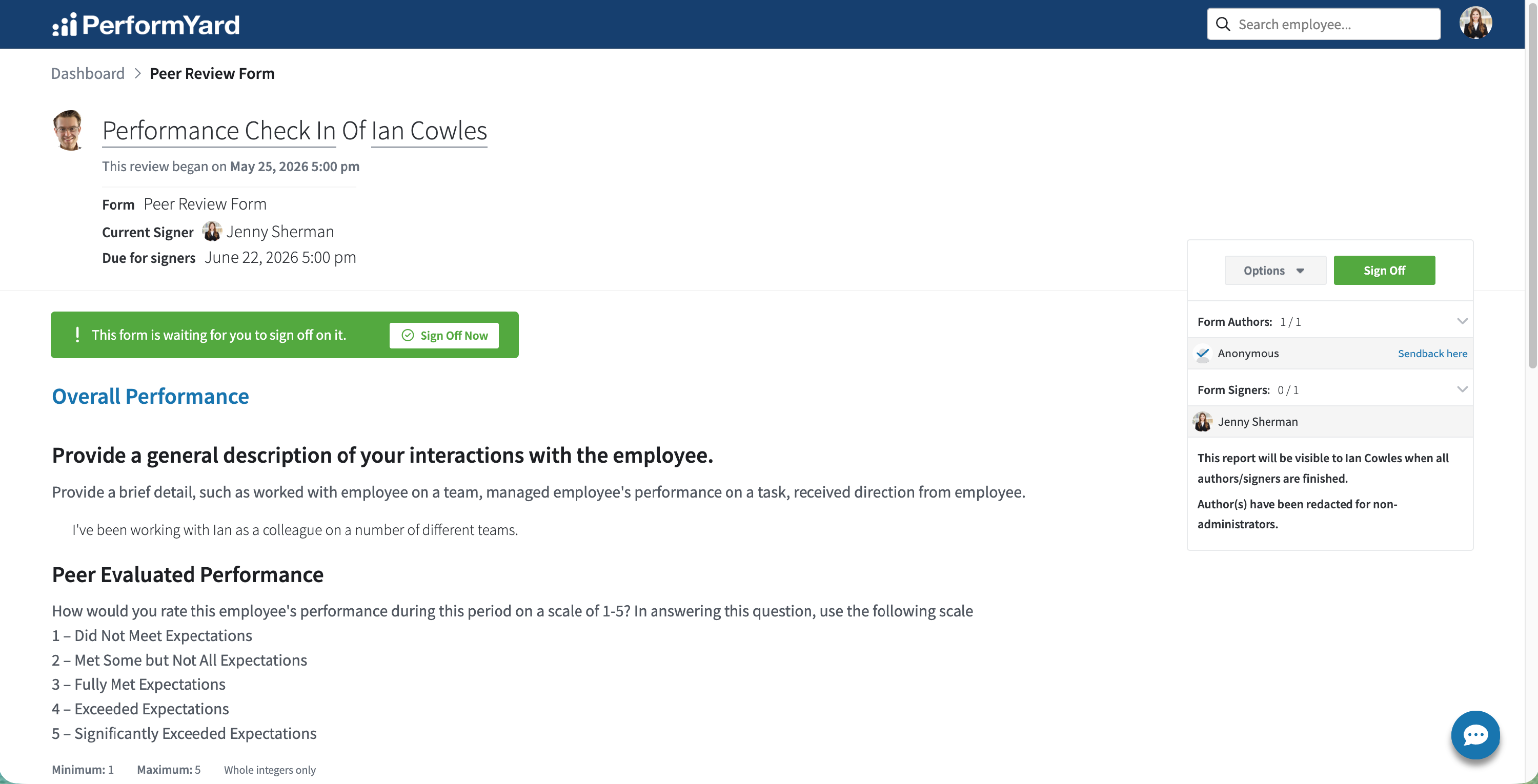
As a signer, you review the author's answers and sign off as an acknowledgement, with the option to add comments.
Send Back and Sign Off Comments
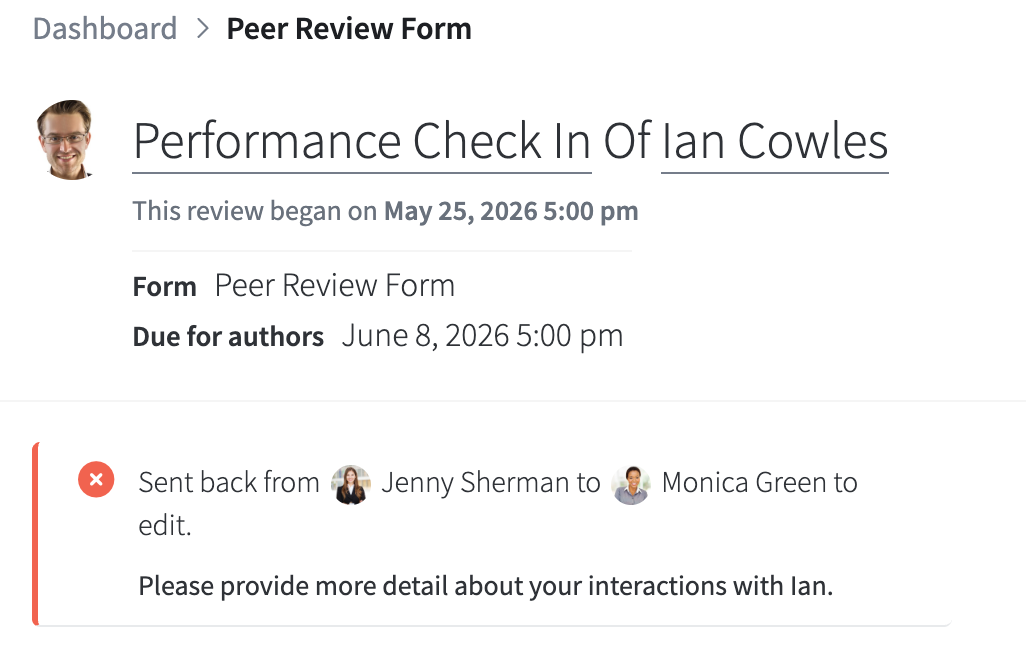
If a form needs changes before it's finalized, it can be sent back to the person who filled it out, along with comments explaining why. They're notified, the form reopens for them, and the comments stay at the top of the form until it returns to the sender.
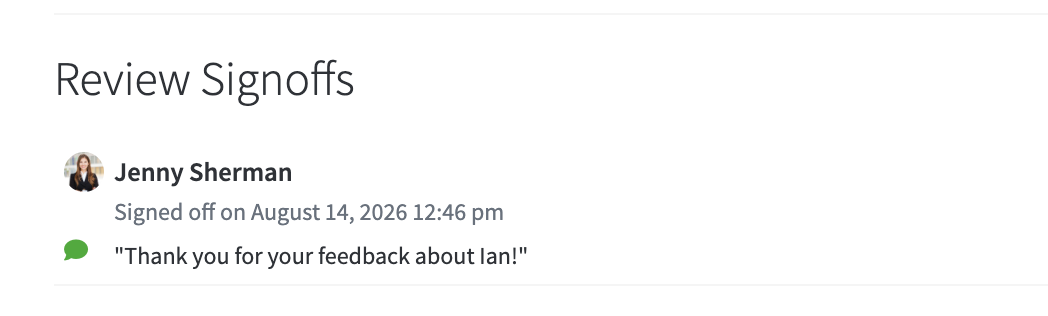
Sign off comments are optional notes a signer leaves when signing. For example, confirming you met with your manager or reacting to the feedback. They stay at the bottom of the form with the sign off timestamp, visible to anyone with access to the form.
Forms I Did
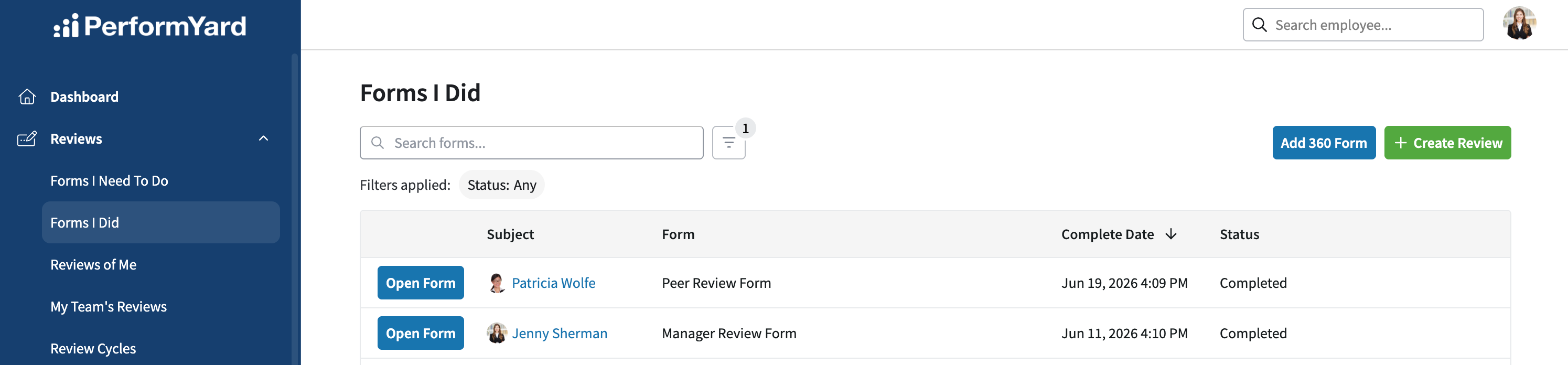
Once you've submitted or signed a form, it moves out of your to-do list. The Forms I Did page, also in the Reviews section, keeps a record of the forms you've completed, so you can look back at reviews you've written or signed off on anytime.
Reviews of Me
The Reviews of Me page shows reviews where you're the subject. When forms about you are completed and made visible to you, this is where you'll find them.