.png)
Managing Company Links
Introduction
Administrators have the ability to manage Company Links, determining which links will be shown to all users.
Adding & Managing Company Links
To add and manage company links, click Resources in your navigation and then select Company Links.
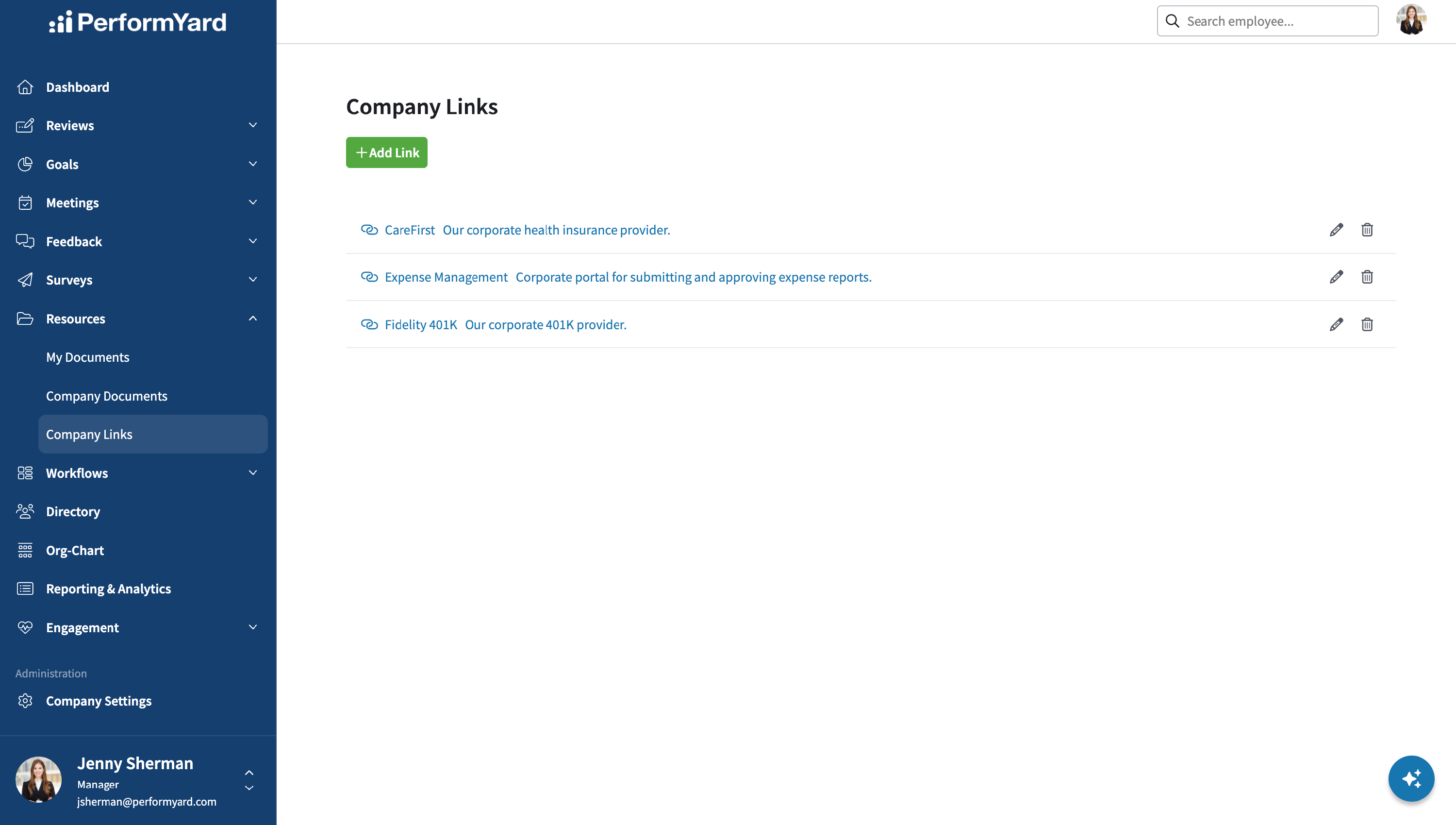
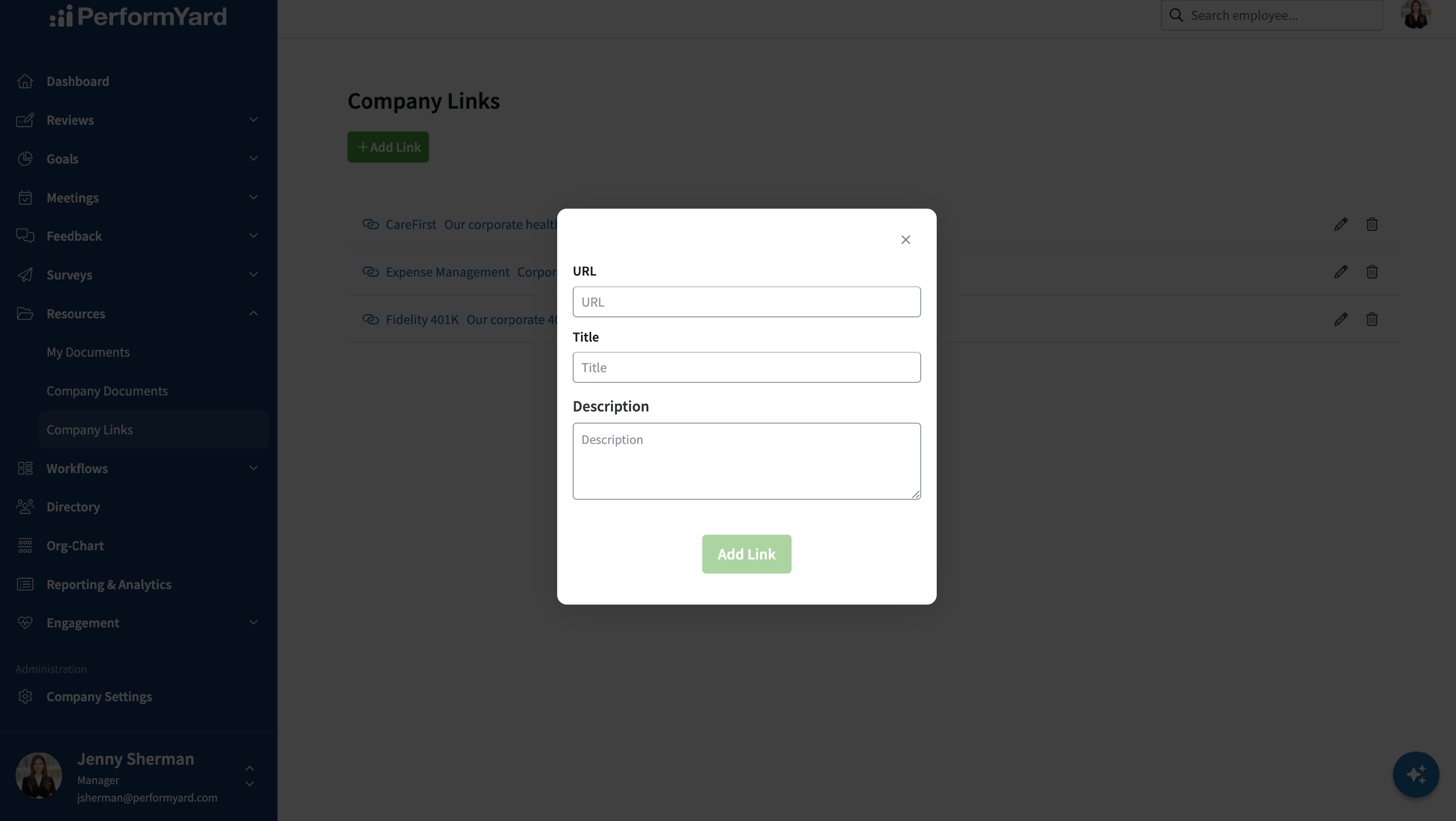
To add a new link, click Add Link. Enter in the appropriate information, including the URL of the link, the title you want to appear, any description of the link that you would like to provide and then click Add Link.
To update a link's attributes, click the pencil icon to the right of the link name. To delete a link, click the trash can icon to the right of the link name.