.png)
Calendar and Video Conferencing Integration Setup
Introduction
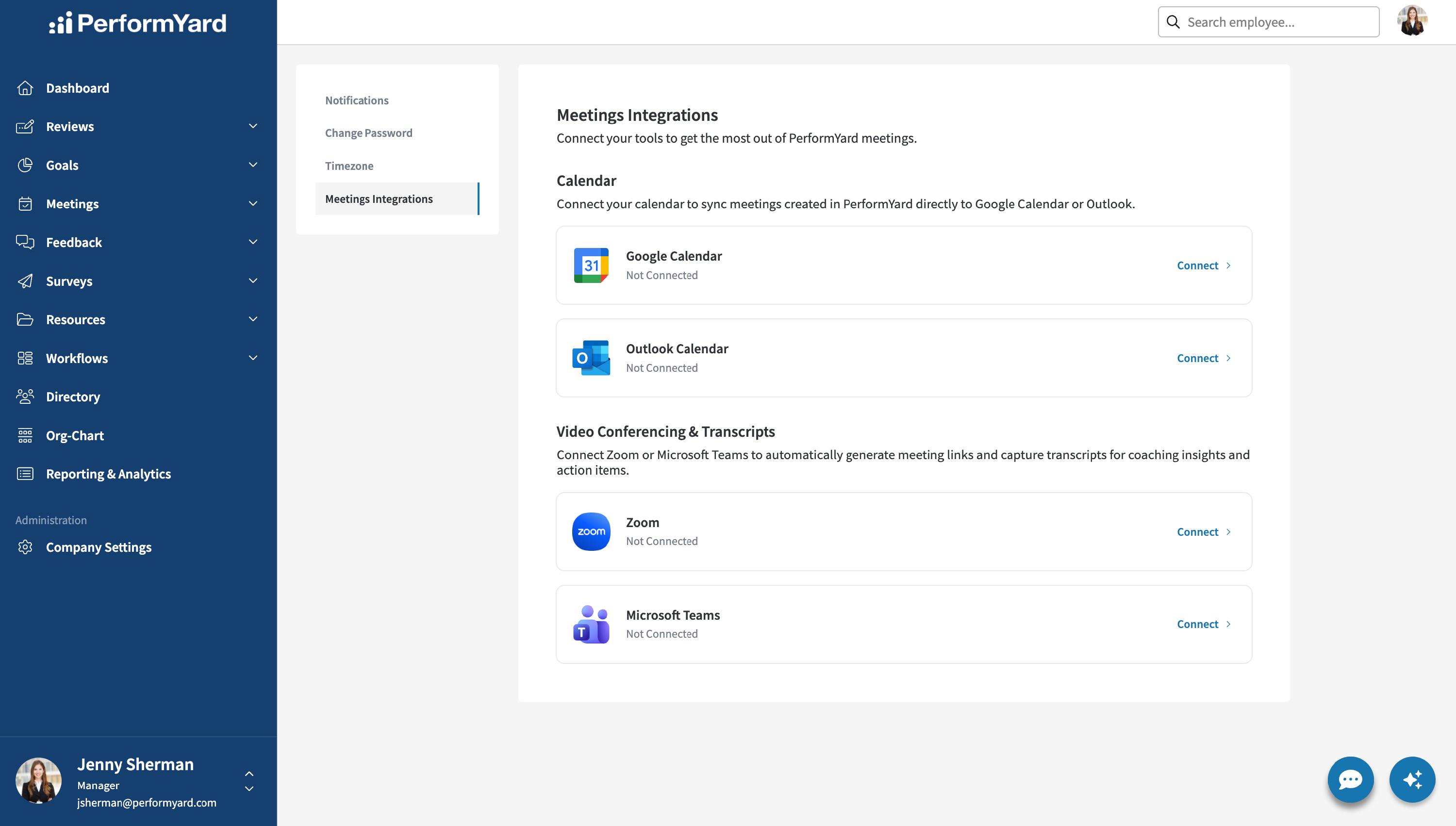
PerformYard's Meetings feature integrates directly with the tools you already use to schedule and run meetings. With Calendar Integration, you can connect your Google or Outlook calendar to automatically sync meetings created in PerformYard, including any updates, so your calendar always stays in alignment. With Video Conferencing & Transcripts Integration, you can connect your Zoom or Microsoft Teams account to automatically generate meeting links and capture transcripts once a meeting ends, no manual uploading required. This article covers how to enable both integrations in your company settings.
Please note: Calendars and Video Conferencing is only utilized in PerformYard Meetings at this time.
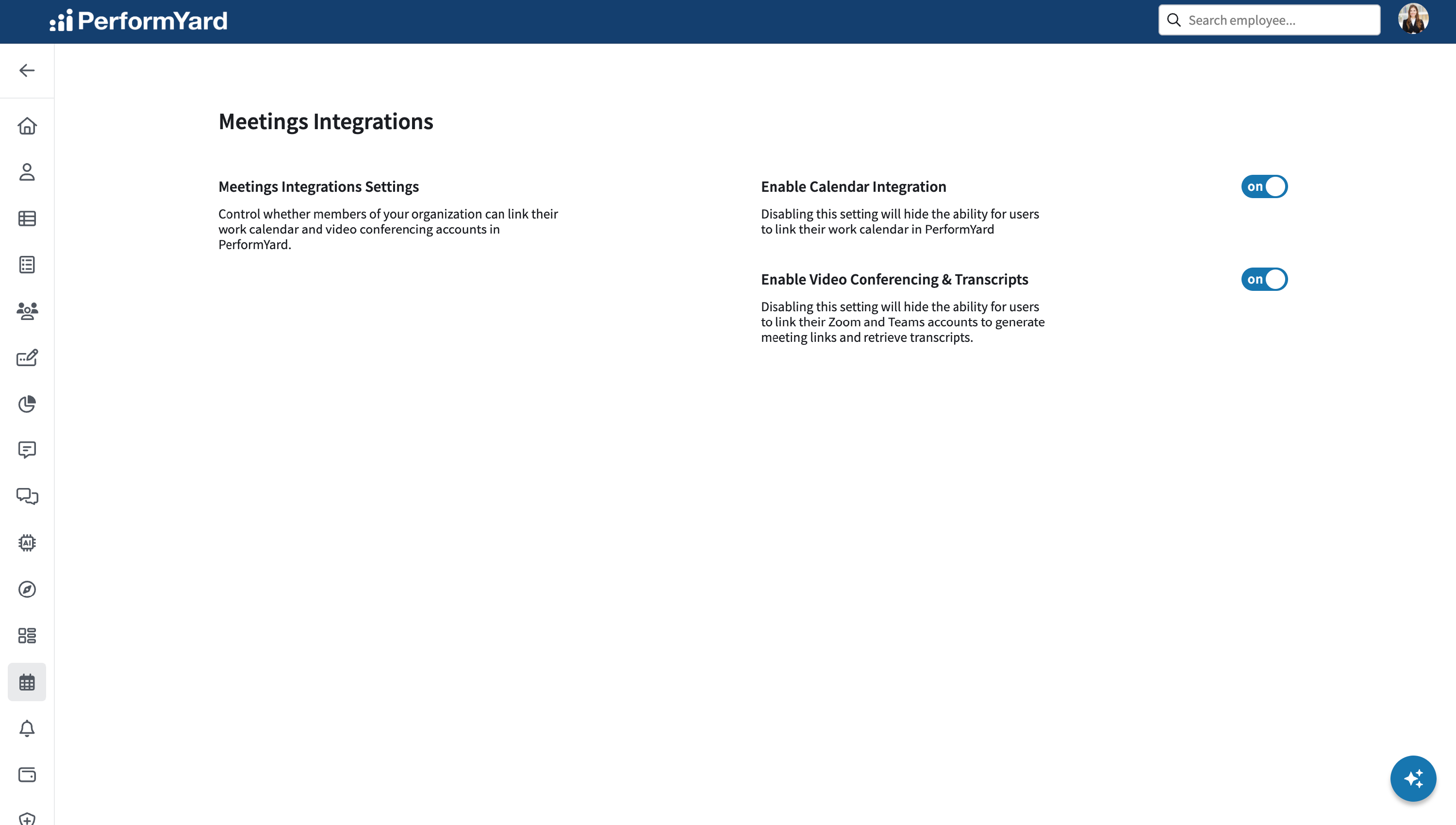
Enabling Meeting Integrations
As an administrator with a PerformYard Meetings license, you have full control over which integrations are available to your organization. You can enable or disable the Video Conferencing & Transcripts feature and the Calendar Integration feature independently, based on your team's needs or company policies, simply by setting the corresponding toggle to "off." Disabling Video Conferencing & Transcripts prevents users from generating Zoom/Teams meeting links for new meetings and stops existing meetings from automatically retrieving transcripts. Disabling Calendar Integration prevents users from adding PerformYard meetings to their calendar and stops currently linked meetings from automatically syncing updates with their corresponding calendar events.